
Add a persistent splash to your Torizon product
A Torizon team should not have to discover the right device-tree settings just to bring up a finished first screen. Enter the known display timings in the GraphLab Portal, add the generated output to the build, and keep the display controlled until the existing Linux UI is accepted.
 Published Torizon referenceRead the Torizon article about the GraphLab Boot validation on Toradex Verdin iMX8M Plus.Read article
 Intended outcome
Move from known display timings to a generated project configuration
Standard Torizon uses Plymouth in early Linux userspace to show a splash. That may be sufficient when the existing display transitions are acceptable. A persistent GraphLab splash additionally depends on an assessed real-time-owned display path that stays active through Linux initialization and application readiness.
For a product team, the intended path is deliberately simple. Create a workspace and enter the known timing values for the assessed display. The GraphLab Portal generates the project-specific output, including the required device-tree settings, and provides the Torizon or Yocto integration guide. GraphLab Splash then provides the branded controlled screen from power-on while the normal Linux application starts in parallel.
For the integration owner, the same workflow remains explicit rather than hidden. The generated output is specific to the selected system configuration and connects the real-time display path, boot artifacts, Linux DRM integration, and chosen presentation-switch behavior without replacing the existing application. GraphLab Boot builds on the same path when the product also needs observed status, custom text, or defined fallback. Its standard early experience can map observed boot, display, and DRM milestones to approved status text.
GraphLab Splash and GraphLab Boot integrate with the Torizon BSP and Yocto layer model, independent of the Torizon container runtime. A configured target receives target-specific output; it is not one interchangeable binary for every module, carrier, panel, or BSP release.
Proposed behavior
A project-defined operating sequence
- Enter the known display timings
Create a GraphLab workspace and provide the timing values for the assessed display, plus the splash artwork and presentation behavior for the target product.
- Generate the project output
The portal provides the GraphLab Splash or GraphLab Boot configuration, project artifacts, license material, and the integration guidance associated with that configuration.
- Add it to the Torizon build
Add the meta-graphlab layer and supplied artifacts to the Torizon or Yocto build, then apply the documented target settings.
- Start with controlled output
After the image is built and flashed, GraphLab Core presents the approved early screen while Linux renders in parallel. The accepted Linux frame is selected at the configured readiness point.
Architecture
Responsibilities stay explicit
The portal turns the supplied display timings and selected target into the required project configuration, including the device-tree settings, while keeping the startup experience, templates, and licenses together.
The resulting integration can include the GraphLab init stub and license material, plus an optional splash asset. Bootloader SPL loads the early components as part of the documented boot flow.
The meta-graphlab layer integrates the required boot, device-tree, and GraphLab DRM changes into the supported BSP build path. Existing Linux application frameworks remain in place.
On the published Verdin iMX8M Plus reference, GraphLab Core runs on the Cortex-M7 and the Resource Domain Controller keeps the relevant display registers under real-time control. Linux renders into shared, zero-copy framebuffers connected to that active pipeline rather than rebuilding the panel path.
The project can select the accepted Linux frame automatically through continuous frame detection or explicitly through the GraphLab sysfs switch. Splash uses this path for branding; Boot adds defined status and fallback behavior.
Project inputs
Integration points to define and validate
- Portal generation applies to the assessed display when the customer supplies the required timing values. It does not infer missing timings or imply automatic compatibility for unassessed or unsupported display hardware.
- A GraphLab portal workspace, target system configuration, and the relevant project license.
- Approved splash artwork, display mode and timing, and the desired automatic or application-controlled presentation switch.
- The chosen Linux-frame policy: automatic detection of a valid continuous frame or an explicit sysfs switch when the application declares itself ready.
- The Torizon or Yocto BSP release, meta-graphlab layer, Bootloader SPL integration, kernel configuration, and GraphLab DRM support.
- Reserved device-tree memory for the real-time core, shared state exchange, and framebuffer handover.
- Deployment of the generated boot artifacts, including initstub.bin and license.bin, with splash.bin when the selected configuration uses a custom early image.
- A filmed power-on check that verifies the early screen, selected Linux frame, warm reset behavior, and the unchanged Linux application-ready milestone.
- For the published Verdin reference, validation with familiar Toradex Demo Gallery applications such as Qt, Embedded Wizard, and Crank Storyboard. A richer early GUI with animations, primitives, or live peripheral data remains GraphLab-delivered project work rather than a self-service portal feature.
- The published approximately 800 ms first-pixel result applies only to the validated Toradex Verdin iMX8M Plus, LVDS, and Torizon reference. It is not a timing promise for another configuration and GraphLab Boot does not reduce Linux application readiness time.
Already have an assessed configuration? Create your GraphLab workspace.
Free technical fit check
Assess a persistent splash for your Torizon system
Share your module, display, and BSP for an engineering fit check. Already assessed? Continue in the GraphLab Portal.
Continue exploring
Related product studies
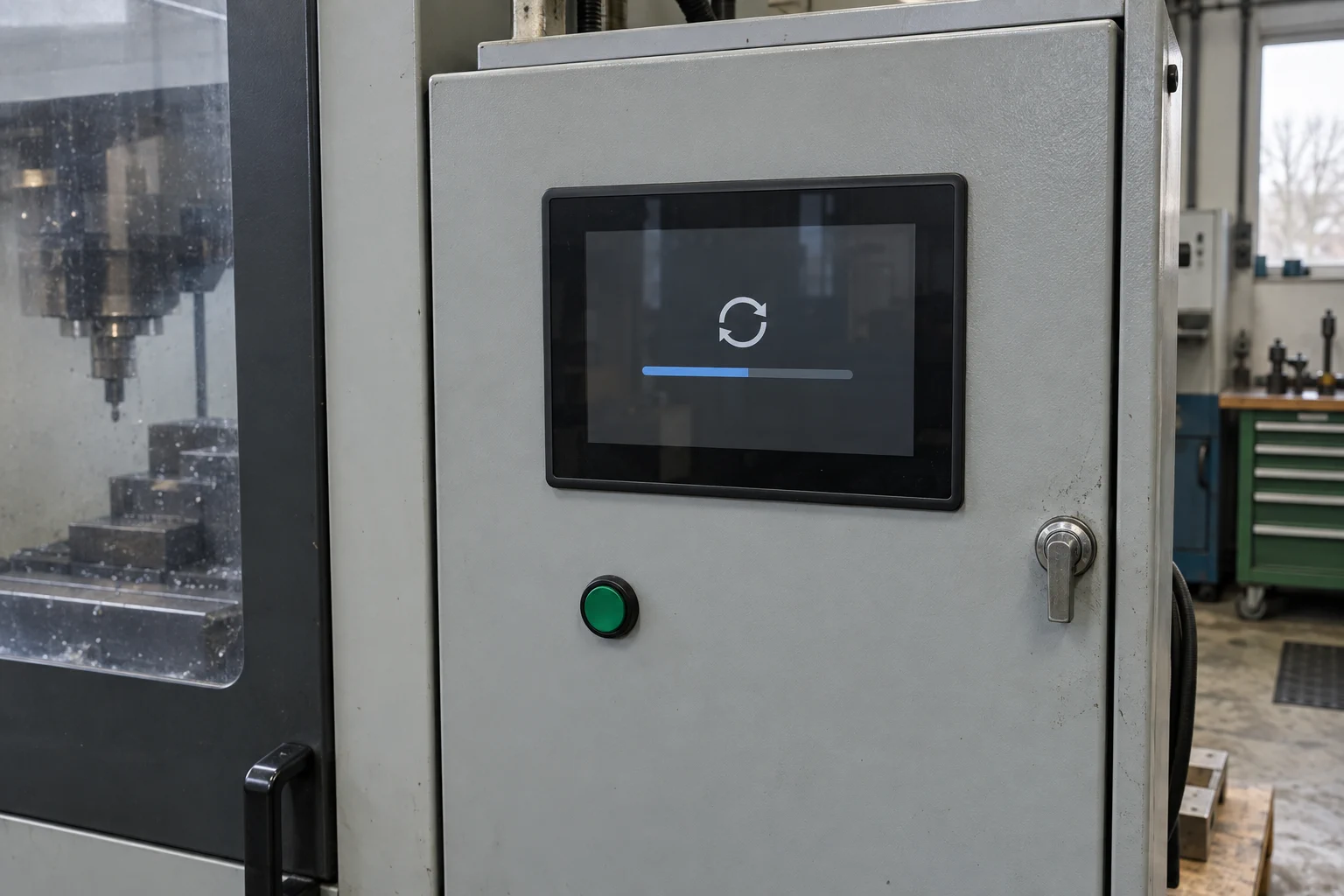
Visible OTA update status
Keep an operator-facing status visible while Linux or the main system applies an update.
Read the product study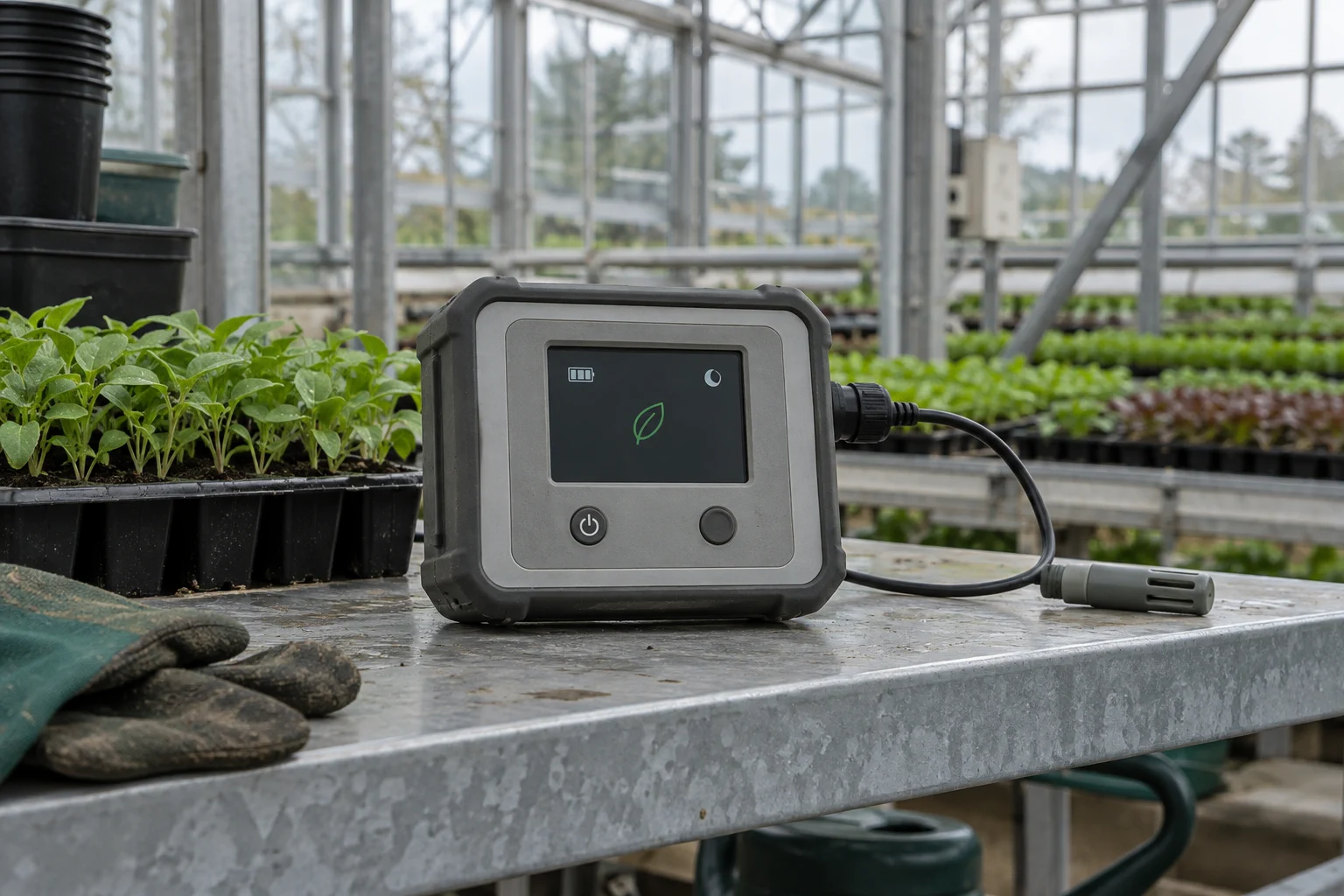
Low-power display operation
Let the real-time core maintain a controlled display while application cores sleep, then request a wake-up when needed.
Read the product study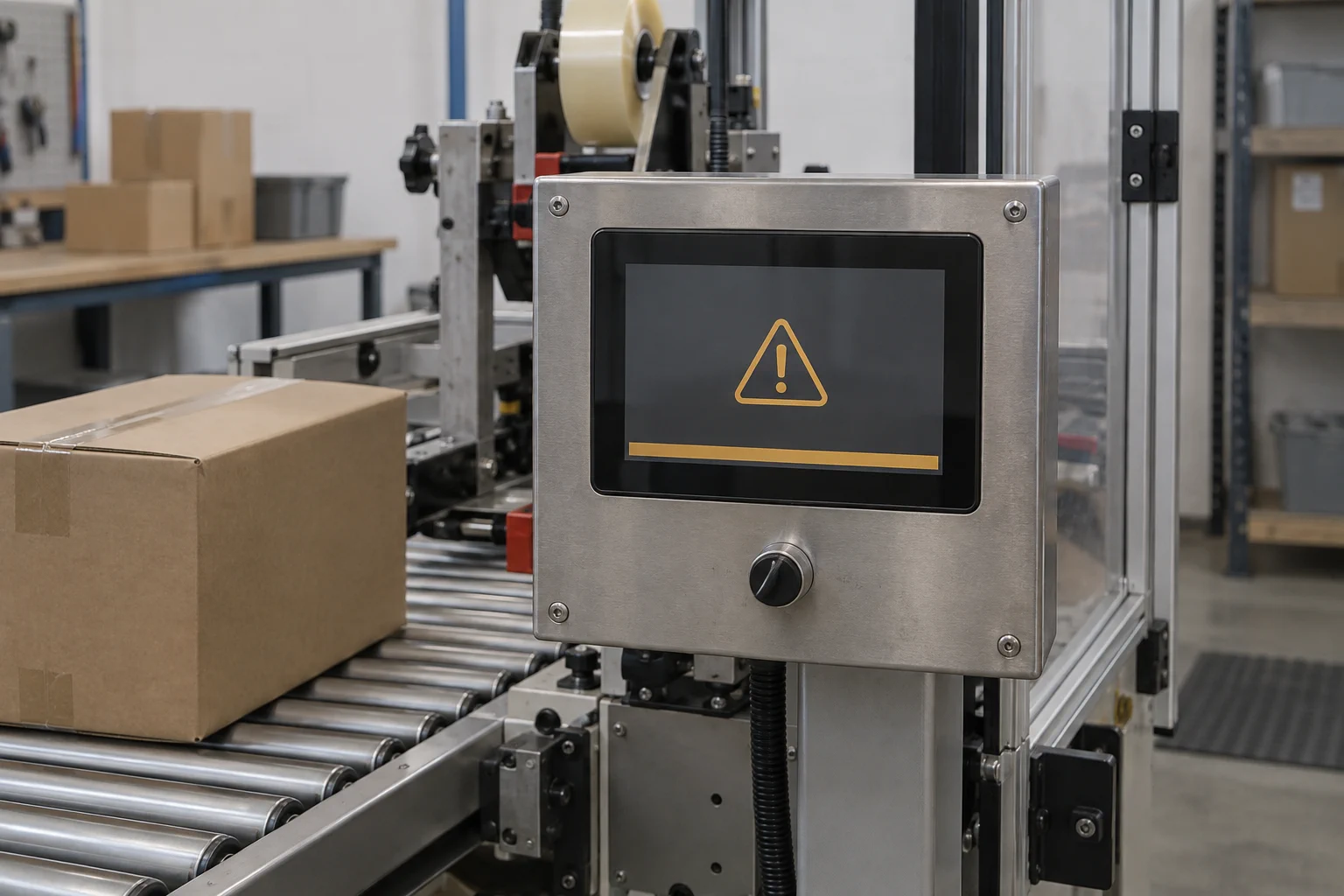
Critical status fallback during a Linux fault
Return the display to a defined real-time state when Linux stops meeting the agreed health contract.
Read the product study