


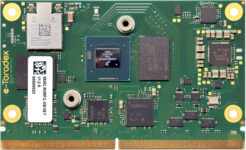
NXP i.MX8M Plus
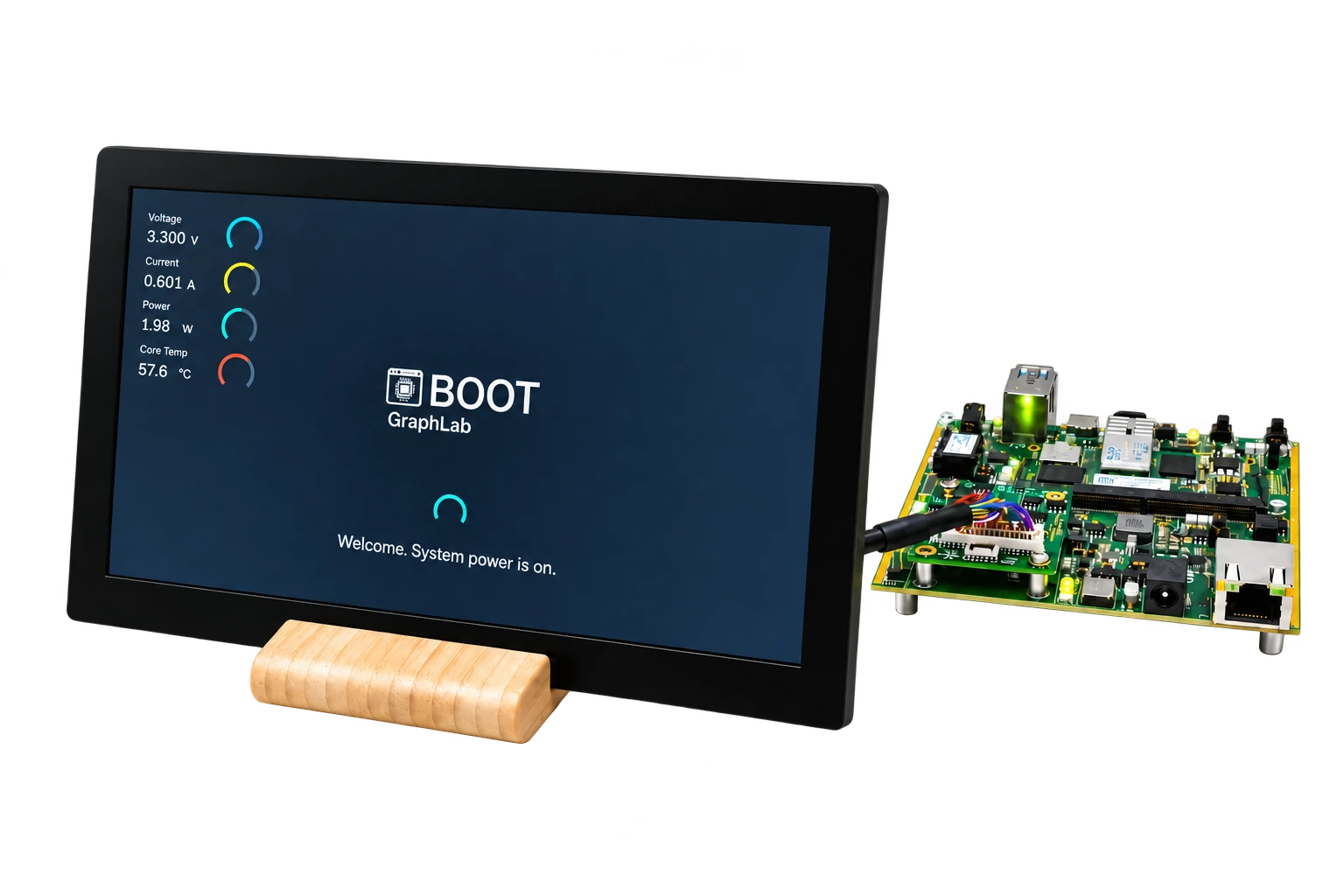
GraphLab Boot tested on Toradex Verdin with LVDS and Torizon OS.
Embedded display authority
Replace black screens and boot flicker with branding, observed status, or an early GUI for industrial displays and other embedded products on assessed NXP i.MX hardware. Keep your existing Linux UI.
Linux starts in parallel across all three paths.
A different display architecture
GraphLab starts and retains the display path on the real-time core. Linux renders into shared framebuffers and becomes visible only when the agreed frame is ready.
Bootloader loads GraphLab Core and the real-time core initializes the active path.
The existing Linux stack renders without visibly rebuilding the panel path.
The product switches to the Linux-rendered UI at a defined readiness point.
Illustrative GraphLab startup sequence
One illustrative mobility example for an architecture intended for industrial displays, instruments, and mobility products. Three early experiences. The real-time core retains display authority while Linux starts in parallel.
Turn the key to ON to play the illustrative sequence.
Starting motorcycle system
Dashboard application restarting
Defined real-time display fallbackThree levels of control

Use GraphLab Splash to replace the black startup interval with approved branding. It keeps your logo or artwork visible from power-on until the Linux UI is ready.
Your brand stays visible until Linux is ready.
Add observed status, meaningful progress, approved custom text, and defined fallback to a continuously active display path.
Branding with observed startup progress.
Capability comparison
Select a product name to explore its complete scope, proof, studies, and project fit check.
| Capability | SplashBranded startup | BootStatus and fallback | ProReal-time GUI library |
|---|---|---|---|
| Project configuration from known timings | Yes | Yes | Yes |
| Persistent display authority | Yes | Yes | Yes |
| Approved branding | Yes | Yes | Yes |
| Observed status and progress | No | Yes | Yes |
| Defined fallback | No | Yes | Yes |
| Library for customer-developed early interfaces | No | No | Yes |
Not sure which level fits your product?
Project fit checkValidated hardware
Support and performance are validated for the agreed device, carrier, panel, BSP, display stack, and application.
GraphLab Boot tested on Toradex Verdin with LVDS and Torizon OS.
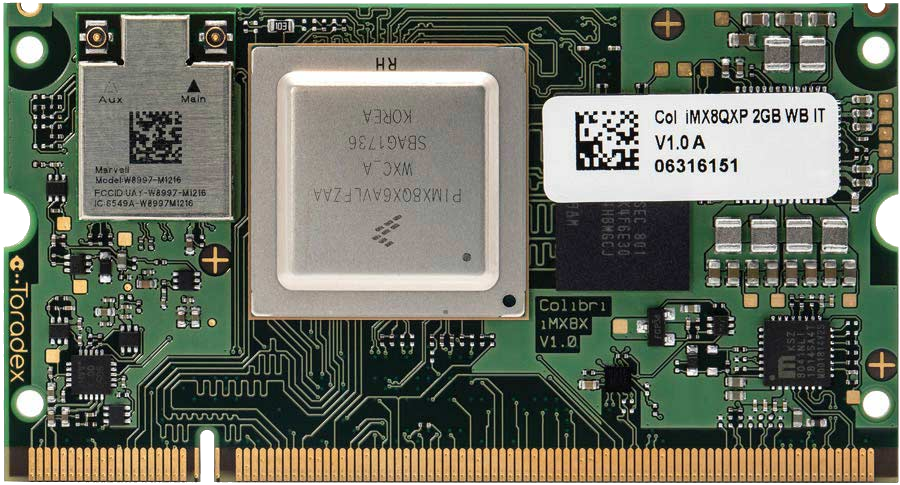
GraphLab Boot tested on the Toradex Colibri i.MX8QXP platform.
Software integration
The published Boot reference demonstrates Qt, Embedded Wizard, and Crank Storyboard on Verdin iMX8M Plus with Torizon. Other frameworks and Android require a target-specific assessment.

Demonstrated on the Boot reference. Keep early output visible until the Qt application presents a complete frame.

Demonstrated with the Torizon Demo Gallery on the validated Boot reference.

Demonstrated with the Torizon Demo Gallery on the validated Boot reference.

Assess the target renderer, shared buffers, and application readiness before integration.

Assess the rendering backend and display path for your target; the published Boot proof covers other frameworks.
Free technical fit check
Share your target platform and display requirements. A GraphLab engineer will review compatibility and outline the next steps for integration.
Technical Articles
Diagnose black frames, flicker, and visible resets across the bootloader, Linux DRM, compositor, and embedded application startup path.
Read articleHow GraphLab Splash, Boot, and Pro retain display authority while Linux renders, illustrated by the measured GraphLab Boot reference on Toradex Verdin iMX8M Plus with Torizon.
Read articleKeep early display output stable until the Qt application has a complete frame, without confusing visual continuity with faster application startup.
Read articleProduct Studies
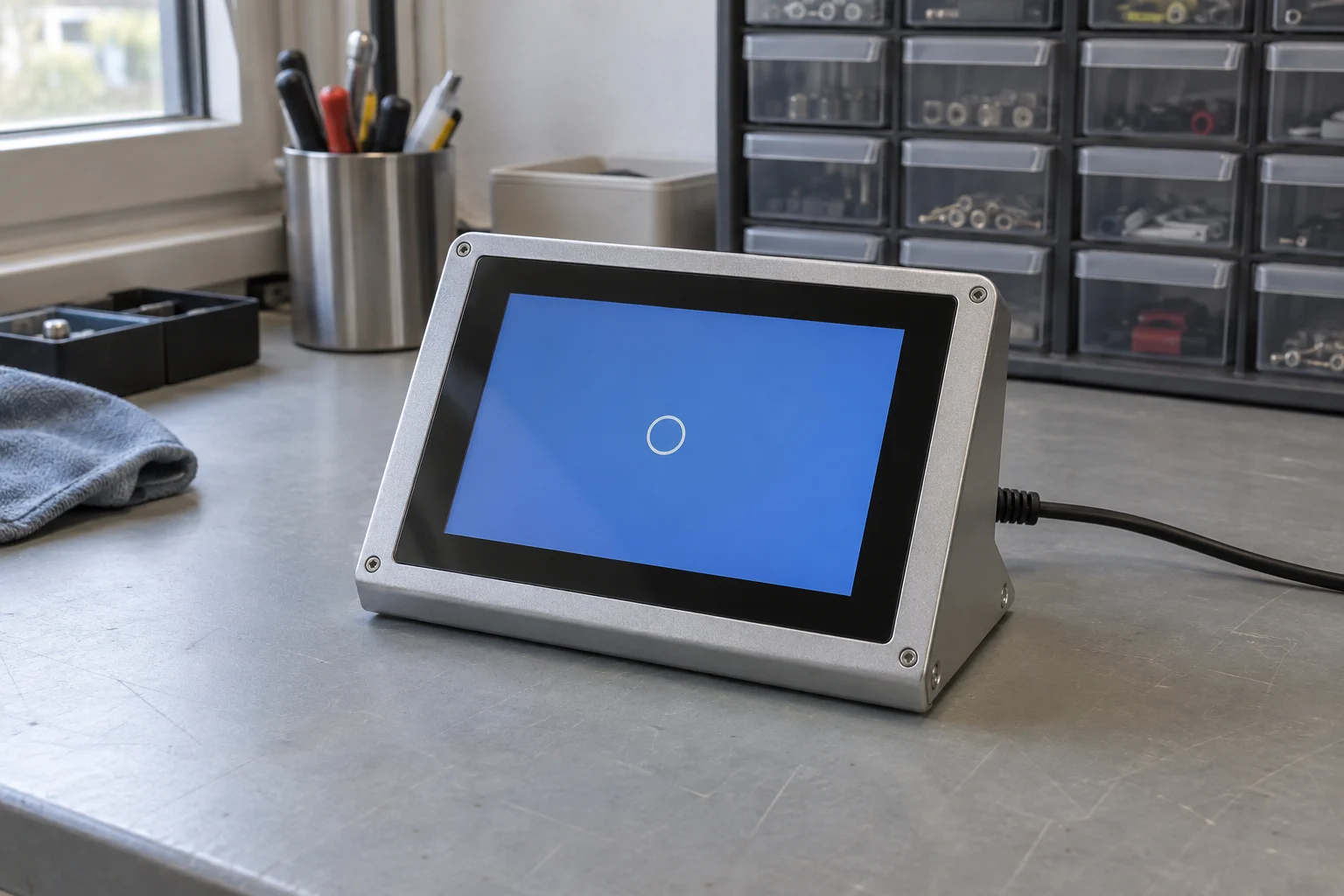
Enter the known display timings in the GraphLab Portal, add the generated GraphLab Splash configuration to your Torizon build, and keep a branded screen visible until the Linux UI is ready.
Read product study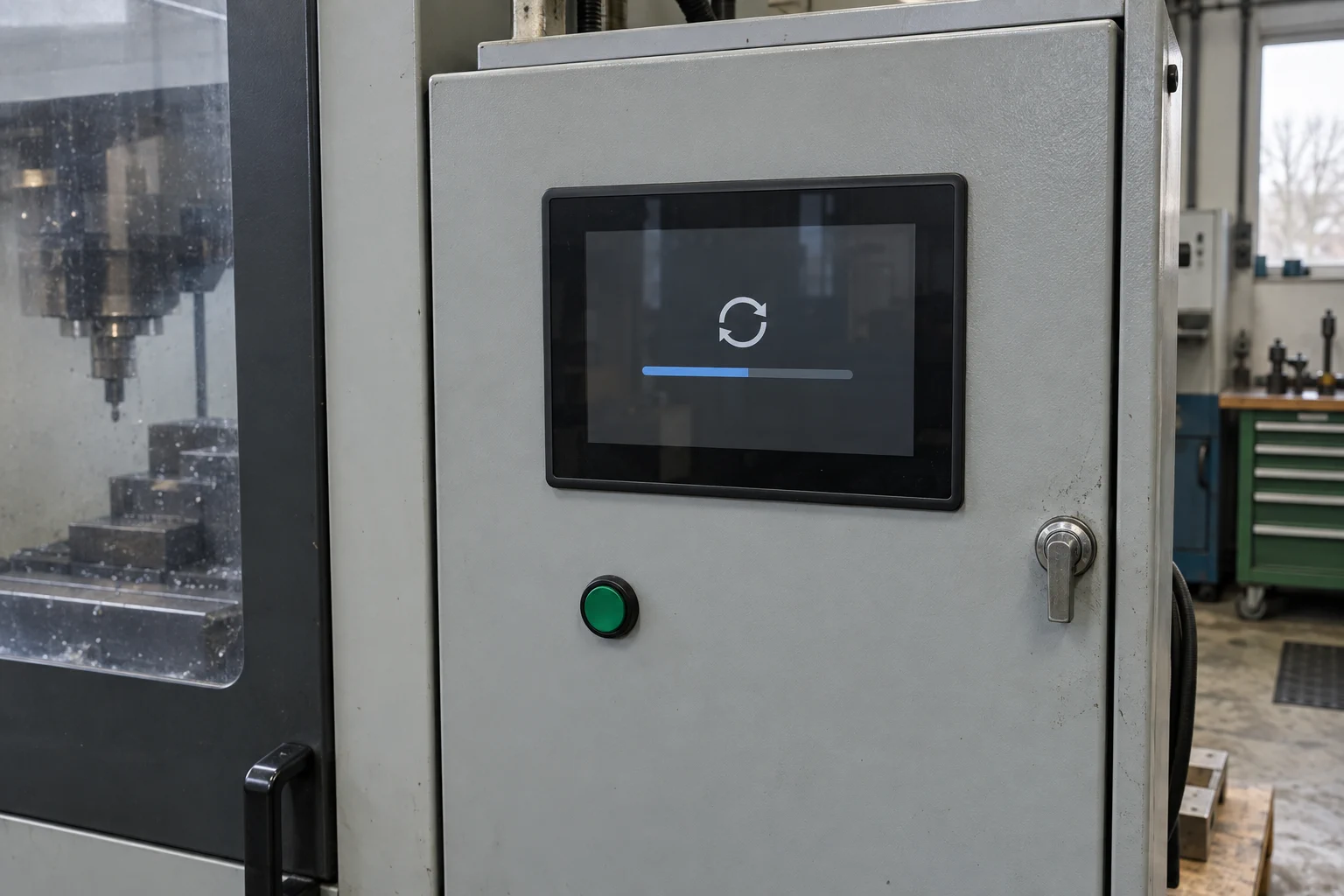
Keep an operator-facing status visible while Linux or the main system applies an update.
Read product study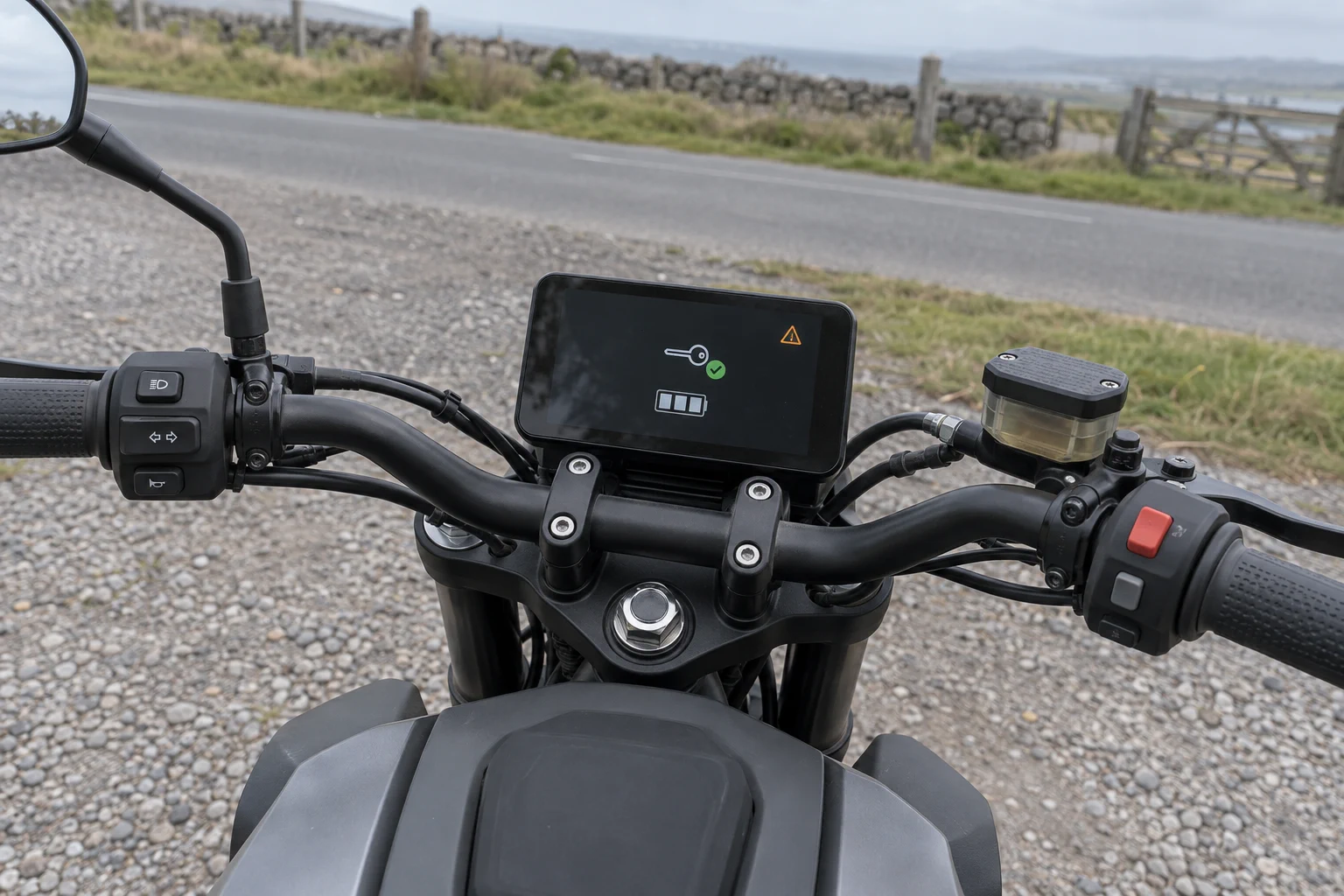
Show keyless state, essential system information, and urgent warnings immediately on motorcycle, marine, and other mobility displays.
Read product study