Included
What Splash delivers
- Project configuration from known timings
- Approved early branding
- Persistent real-time display authority
- Controlled selection of the accepted Linux frame
GraphLab Splash · Branded startup
Provide the known display timings in the GraphLab Portal. It creates the project-specific configuration, including the required device-tree settings, while GraphLab Splash keeps your branding visible as Linux starts.
Defined scope
Every engagement is assessed and accepted against the target hardware, firmware, display path, Linux stack, and readiness contract.
Included
Operating sequence
Bootloader loads and starts GraphLab Core on the real-time core.
The real-time core initializes the display and presents approved branding.
Linux renders in parallel into the already active display path.
The accepted Linux-rendered framebuffer becomes visible at the agreed readiness point.
Real hardware proof
The GraphLab Boot reference on Toradex Verdin iMX8M Plus reaches its first visible pixel in approximately 800 ms. That result belongs to the validated Boot setup and is not a performance promise for Splash on another configuration.
Read the platform proofProduct comparison
| Capability | SplashBranded startup | BootStatus and fallback | ProBespoke early GUI |
|---|---|---|---|
| Project configuration from known timings | Yes | Yes | Yes |
| Persistent display authority | Yes | Yes | Yes |
| Approved branding | Yes | Yes | Yes |
| Observed status and progress | No | Yes | Yes |
| Defined fallback | No | Yes | Yes |
| Functional early GUI with peripheral I/O | No | No | Yes |
GraphLab Splash Technical Articles
Diagnose black frames, flicker, and visible resets across the bootloader, Linux DRM, compositor, and embedded application startup path.
Read articleA boot splash can cover waiting time, but it does not by itself preserve panel and display-controller state through the Linux graphics transition.
Read articleKeep early display output stable until the Qt application has a complete frame, without confusing visual continuity with faster application startup.
Read articleGraphLab Splash Product Studies

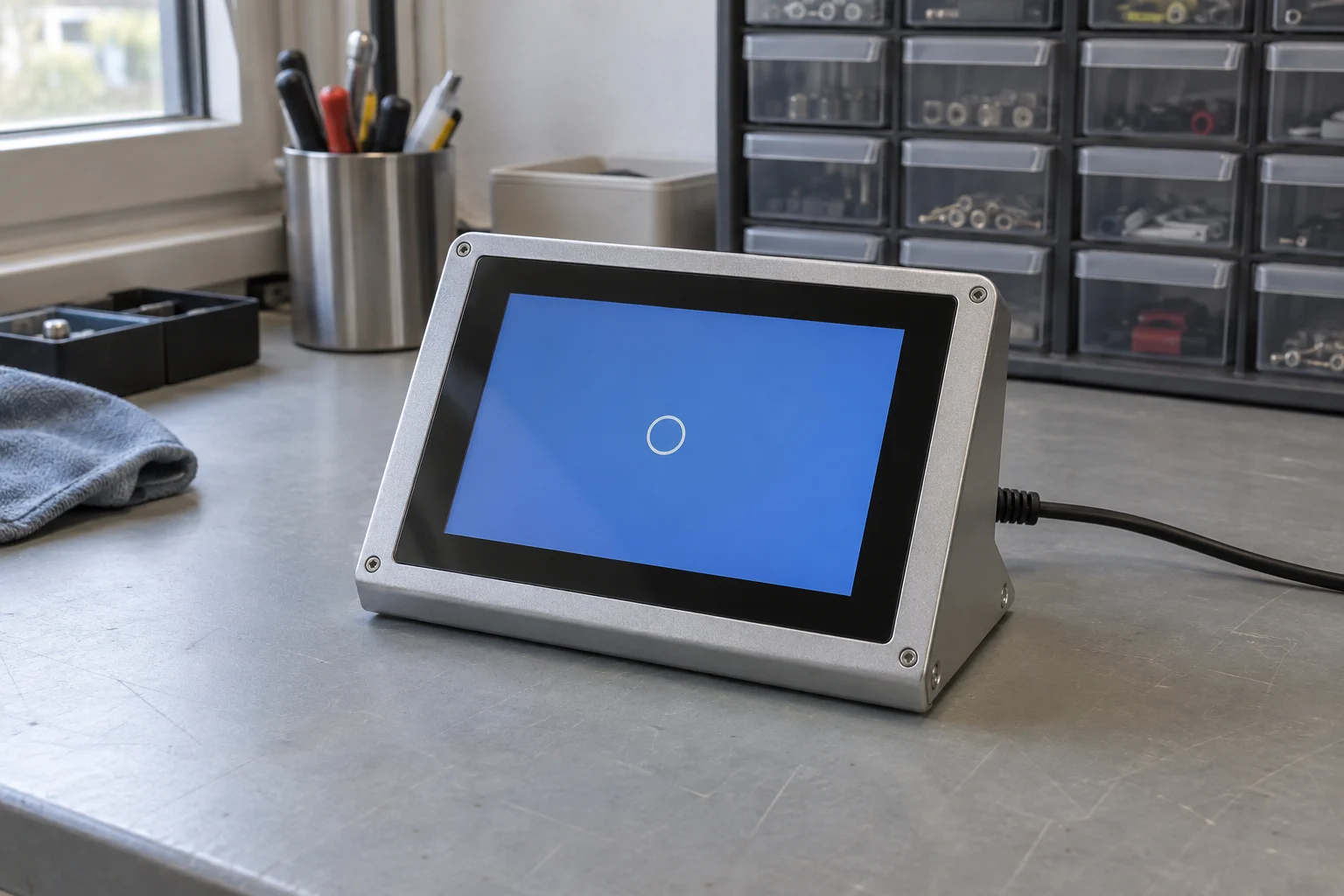
Enter the known display timings in the GraphLab Portal, add the generated GraphLab Splash configuration to your Torizon build, and keep a branded screen visible until the Linux UI is ready.
Read product study
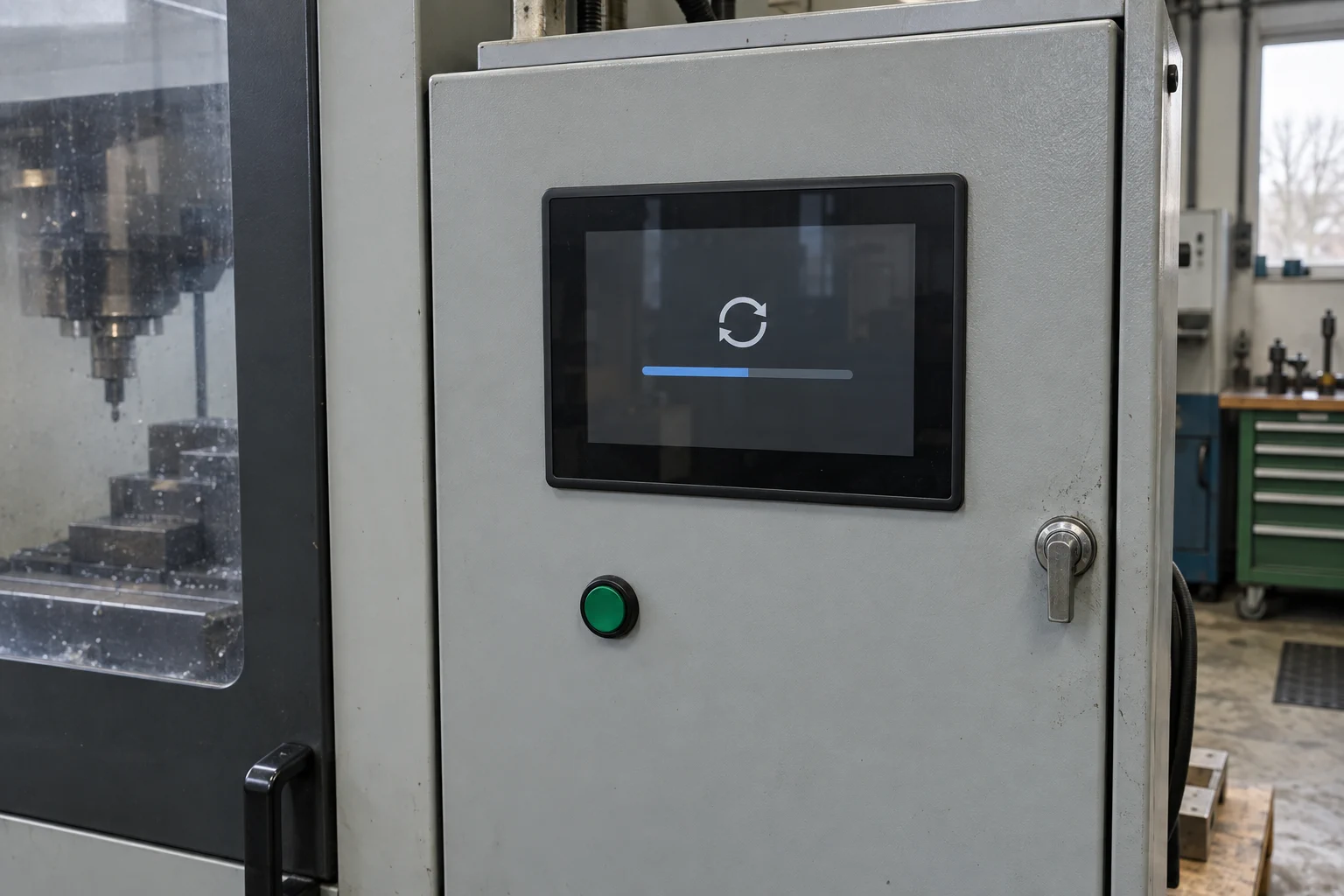
Keep an operator-facing status visible while Linux or the main system applies an update.
Read product study
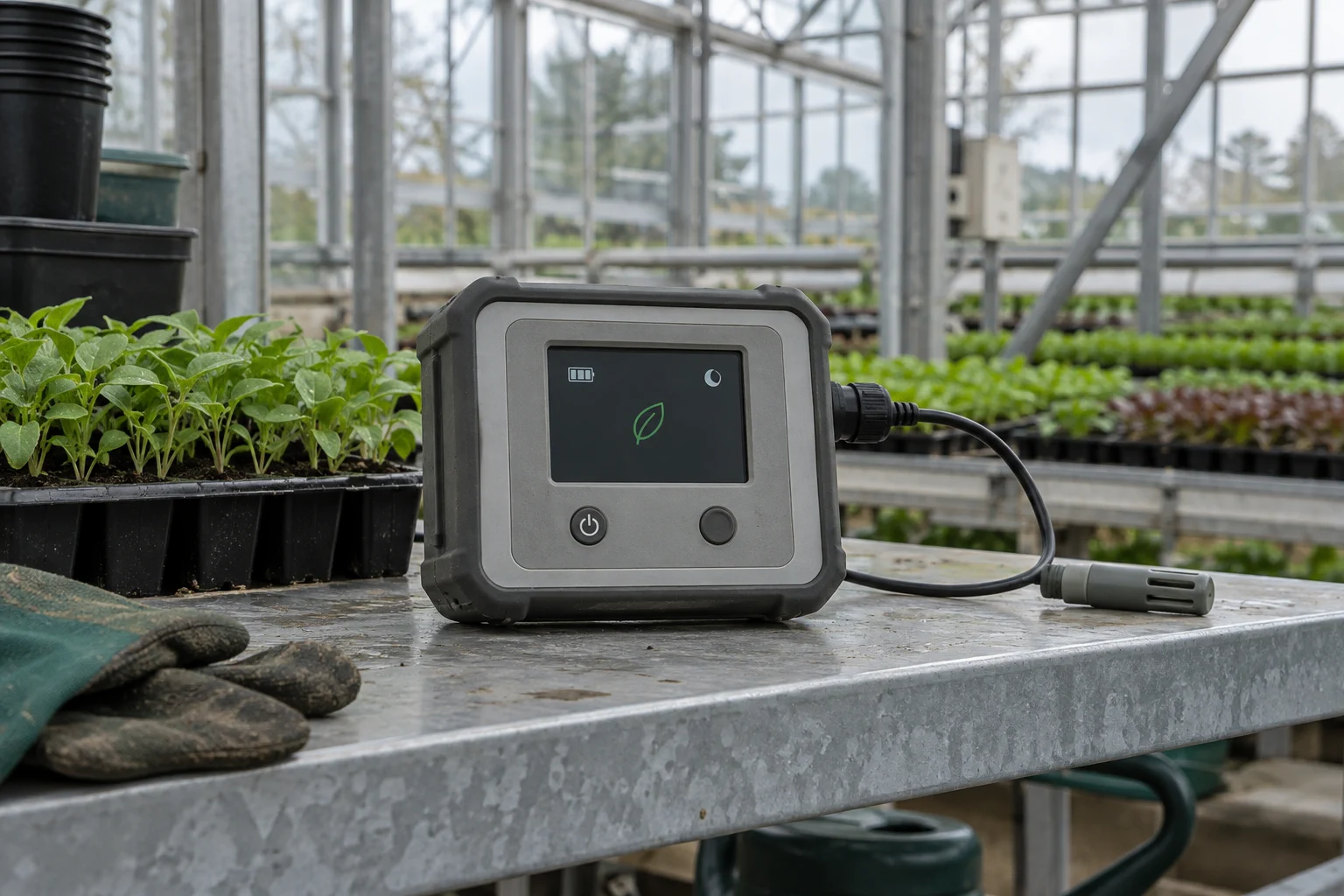
Let the real-time core maintain a controlled display while application cores sleep, then request a wake-up when needed.
Read product study
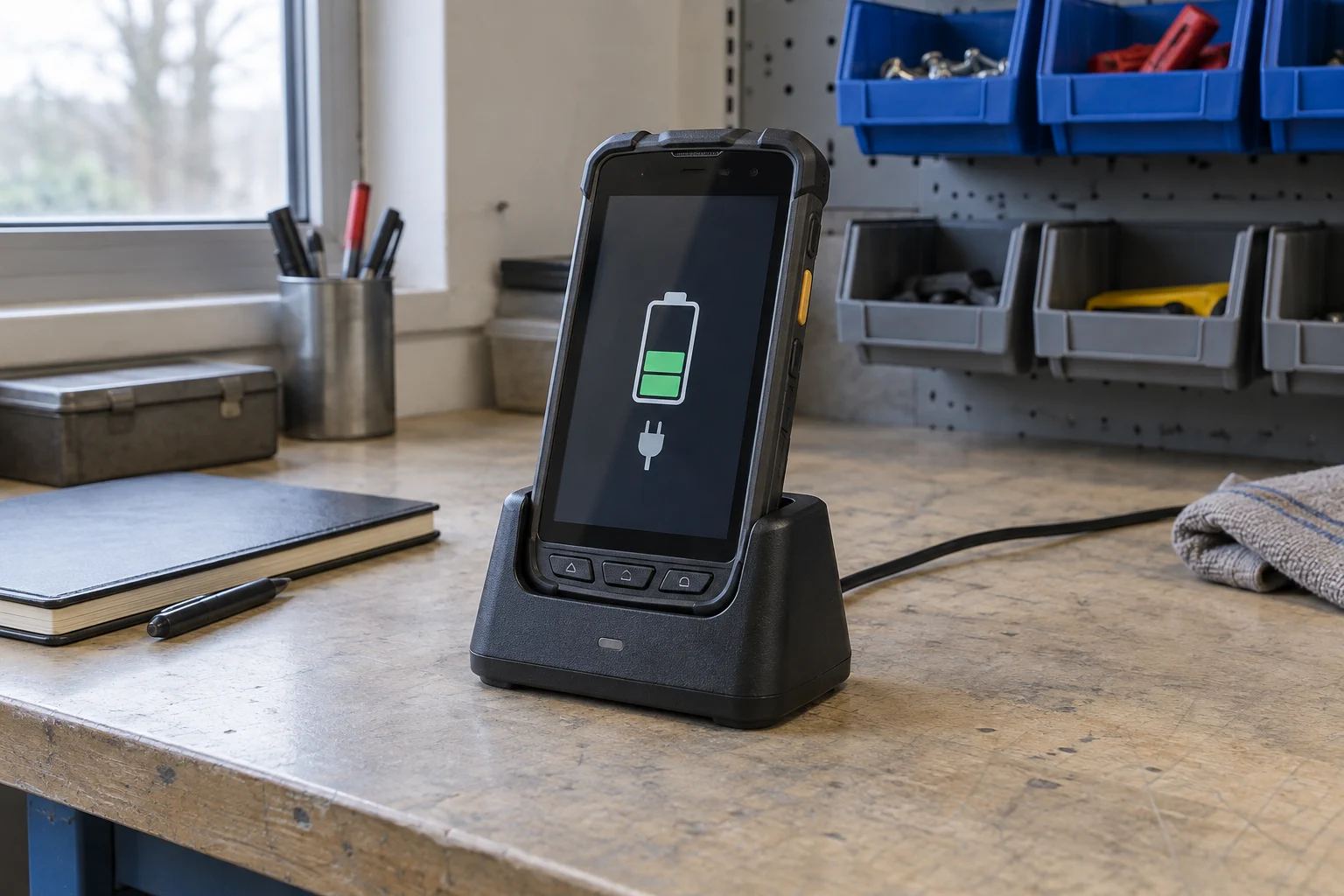
Keep charging progress and battery warnings visible from the real-time side, then allow an A-core start only after the agreed power conditions are met.
Read product studyFree project fit check
A GraphLab engineer will review your NXP i.MX display path and identify whether Splash, Boot, or Pro is the practical next step.