GraphLab Boot · Status and fallback

Keep every startup state clear and controlled.

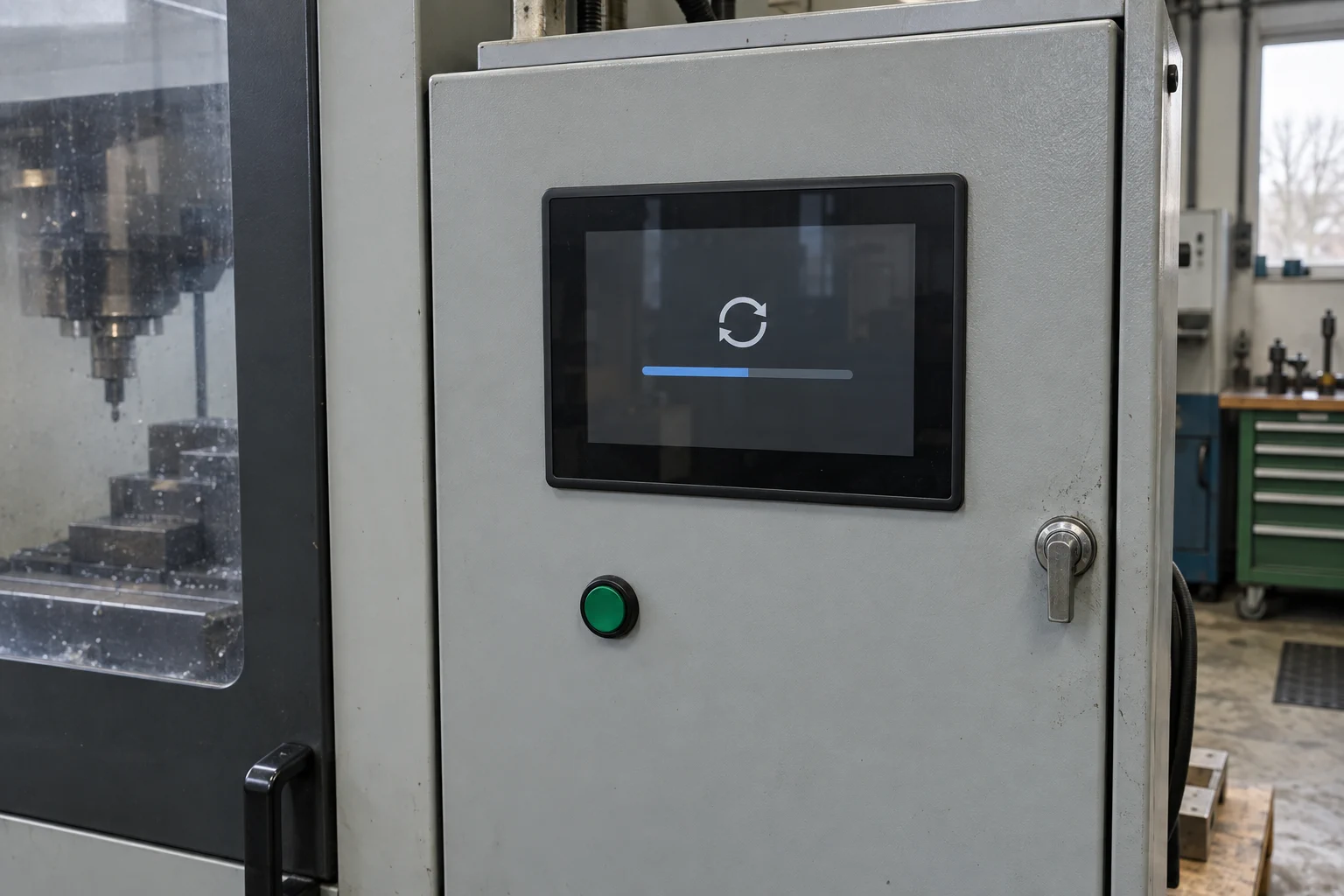
Add observed status, meaningful progress, approved custom text, and defined fallback to a continuously active display path.

Industrial HMIOTA and maintenance flowsRecovery-sensitive products

Defined scope

Know exactly what Boot includes.

Every engagement is assessed and accepted against the target hardware, firmware, display path, Linux stack, and readiness contract.

Included

What Boot delivers

4 included
  • Everything in Splash
  • Status and progress tied to observed milestones
  • Approved custom status text
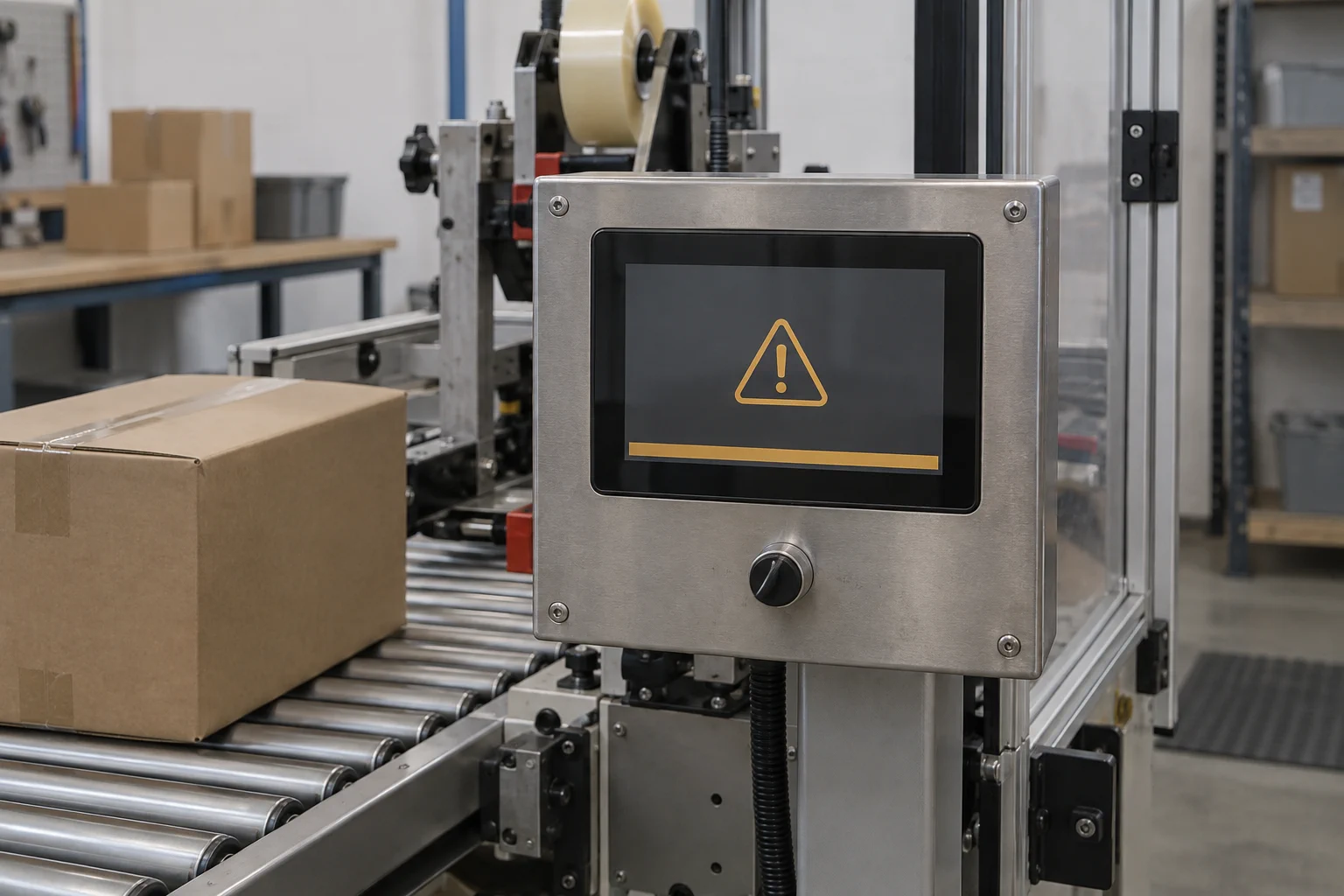
  • Defined fallback to real-time rendering

Operating sequence

One controlled path from power-on to Linux UI.

01

Power on

GraphLab Core starts and becomes display authority.

02

Observed progress

Agreed boot, display, and UI-ready milestones drive visible states.

03

Linux ready

The accepted Linux frame becomes visible without rebuilding the active panel path.

04

Fallback available

Restart, maintenance, or recovery can return to the defined real-time render state.

Real hardware proof

The published reference makes the boundary visible.

The GraphLab Boot reference on Toradex Verdin iMX8M Plus reaches its first visible pixel in approximately 800 ms. That result belongs to the validated Boot setup and is not a performance promise for Boot on another configuration.

Read the platform proof
Compare visible output continuity, not Linux application boot duration.

Product comparison

Move up only when the visible requirement demands it.

Return to product overview
CapabilitySplashBranded startupBootStatus and fallbackProBespoke early GUI
Project configuration from known timingsYesYesYes
Persistent display authorityYesYesYes
Approved brandingYesYesYes
Observed status and progressNoYesYes
Defined fallbackNoYesYes
Functional early GUI with peripheral I/ONoNoYes

GraphLab Boot Technical Articles

Understand the architecture behind this product path.

Browse all Technical Articles

GraphLab Boot Product Studies

See where this product path can fit.

Browse all Product Studies

Free project fit check

Tell us what the display must do before Linux is ready.

A GraphLab engineer will review your NXP i.MX display path and identify whether Splash, Boot, or Pro is the practical next step.

  • No confidential design files required
  • Product-focused technical review
  • Reply within one business day

Check my project fit