Real-time graphics library
Develop your own screens and visual states on the real-time core. Your team owns the GUI implementation and application behavior.
GraphLab Pro · Real-time GUI library
GraphLab Pro includes Boot and the real-time graphics library for developing your own early GUI. Connect your interface to data and controls available on the real-time core, then transition to your Linux application.
What you receive
Develop your own screens and visual states on the real-time core. Your team owns the GUI implementation and application behavior.
Start with a continuously active display path, observed status and progress, custom startup text, and defined fallback.
GraphLab provides the library and supports the assessed hardware and display integration. Peripheral integration scope is agreed per project.
Need help creating the interface itself? Custom GUI implementation by GraphLab is available as an optional service.
How it works
Custom screens and application behavior
GraphLab Core retains display authority.
The full application starts in parallel, with its existing UI stack.
Selected when the agreed readiness point is reached.
Early interaction requires the relevant data and control backend to be available independently of Linux. Your application connects those functions to the GUI through the project-defined integration.
Configure and validate the early screen that returns during an application restart or recovery. State continuity and available controls depend on the agreed data paths and application behavior.
Illustrative GraphLab startup sequence
One illustrative mobility example for an architecture intended for industrial displays, instruments, and mobility products. Three early experiences. The real-time core retains display authority while Linux starts in parallel.
Turn the key to ON to play the illustrative sequence.
Starting motorcycle system
Dashboard application restarting
Defined real-time display fallbackWhere Pro can fit
Potential applications to assess with your team, rather than claimed customer deployments.
Early: show controller readings and expose agreed basic settings through an independent controller.
Linux: add recipes, trends, and production history.
Early: show a measurement and a basic action such as zeroing when the measurement backend is available.
Linux: add analysis, reports, and connectivity.
Early or fallback: show current equipment status and agreed controls while the main application reconnects.
Linux: restore detailed diagnostics and configuration.
Choose the capability you need
| Capability | SplashBranded startup | BootStatus and fallback | ProReal-time GUI library |
|---|---|---|---|
| Project configuration from known timings | Yes | Yes | Yes |
| Persistent display authority | Yes | Yes | Yes |
| Approved branding | Yes | Yes | Yes |
| Observed status and progress | No | Yes | Yes |
| Defined fallback | No | Yes | Yes |
| Library for customer-developed early interfaces | No | No | Yes |
Underlying display architecture
The GraphLab Boot reference on Toradex Verdin iMX8M Plus reaches its first visible pixel in approximately 800 ms. That measured result belongs to the validated Boot setup and is not a Pro performance promise. Pro availability is assessed with your actual screens, data paths, hardware, and rendering workload. Linux application readiness remains unchanged.
Read the platform proofCommon questions
Your team develops the GUI with the real-time graphics library. GraphLab supports the assessed library and display integration. Custom GUI implementation by GraphLab is an optional service.
Functions whose measurements, input paths, and control backend are available independently of Linux. The available interfaces and peripheral integration scope are assessed per project.
It remains your complete product application and starts in parallel. GraphLab selects its accepted framebuffer at the agreed readiness point while retaining physical display authority.
Start with an assessment of your NXP i.MX device, carrier, display, and software stack. The published Boot reference is a specific validated configuration; it does not establish universal Pro compatibility.
We provide a custom quote after agreeing your configuration, library delivery, and integration responsibilities. Licensing and support terms are defined in the project offer.
Availability is assessed and validated with your hardware, screens, data paths, and rendering workload. The Boot reference timing is not a Pro performance promise.
Technical articles
Diagnose black frames, flicker, and visible resets across the bootloader, Linux DRM, compositor, and embedded application startup path.
Read articleA boot splash can cover waiting time, but it does not by itself preserve panel and display-controller state through the Linux graphics transition.
Read articleHow GraphLab Splash, Boot, and Pro retain display authority while Linux renders, illustrated by the measured GraphLab Boot reference on Toradex Verdin iMX8M Plus with Torizon.
Read articleProduct studies
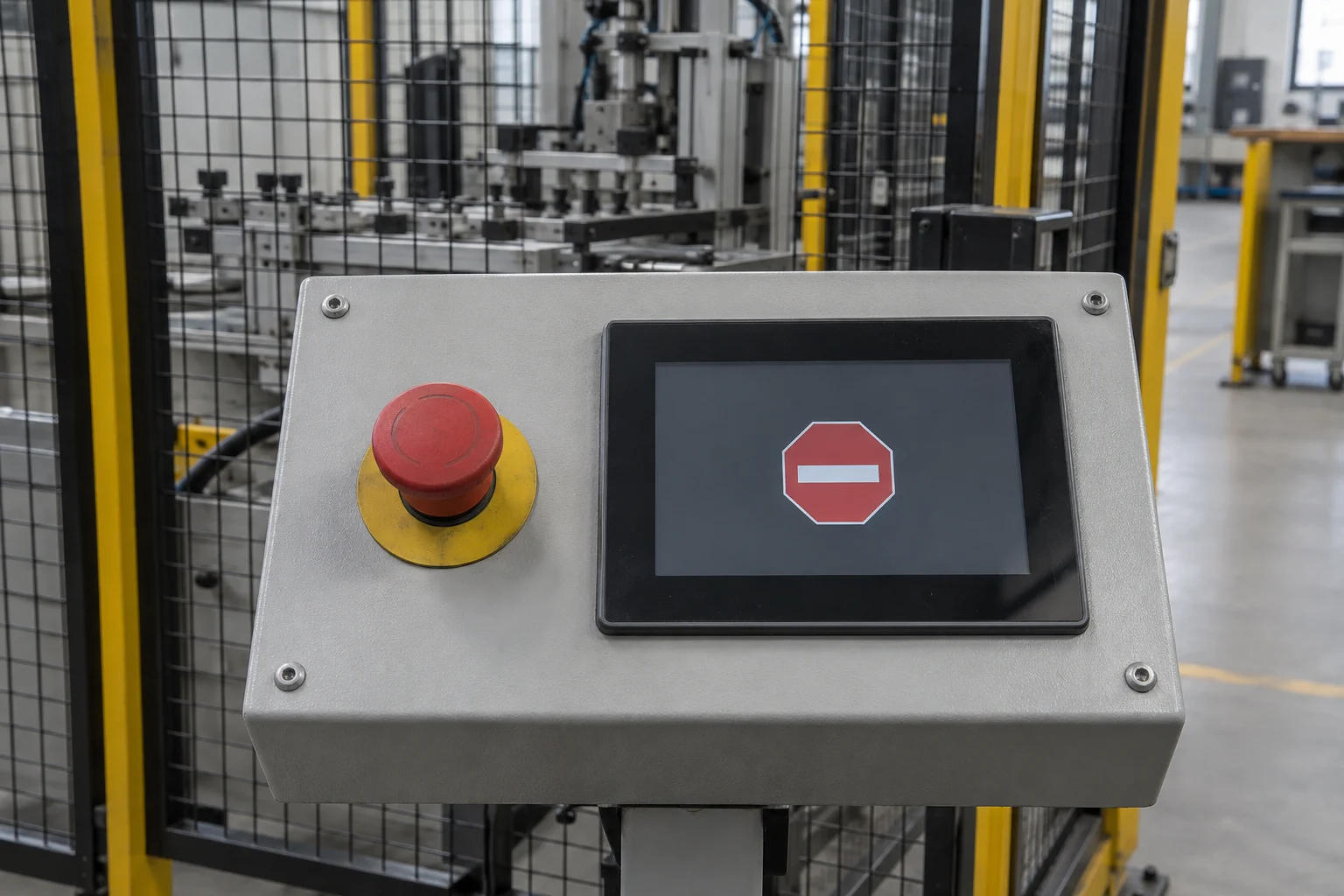
Present an urgent machine state through an independent real-time display path without waiting for the Linux UI.
Read product study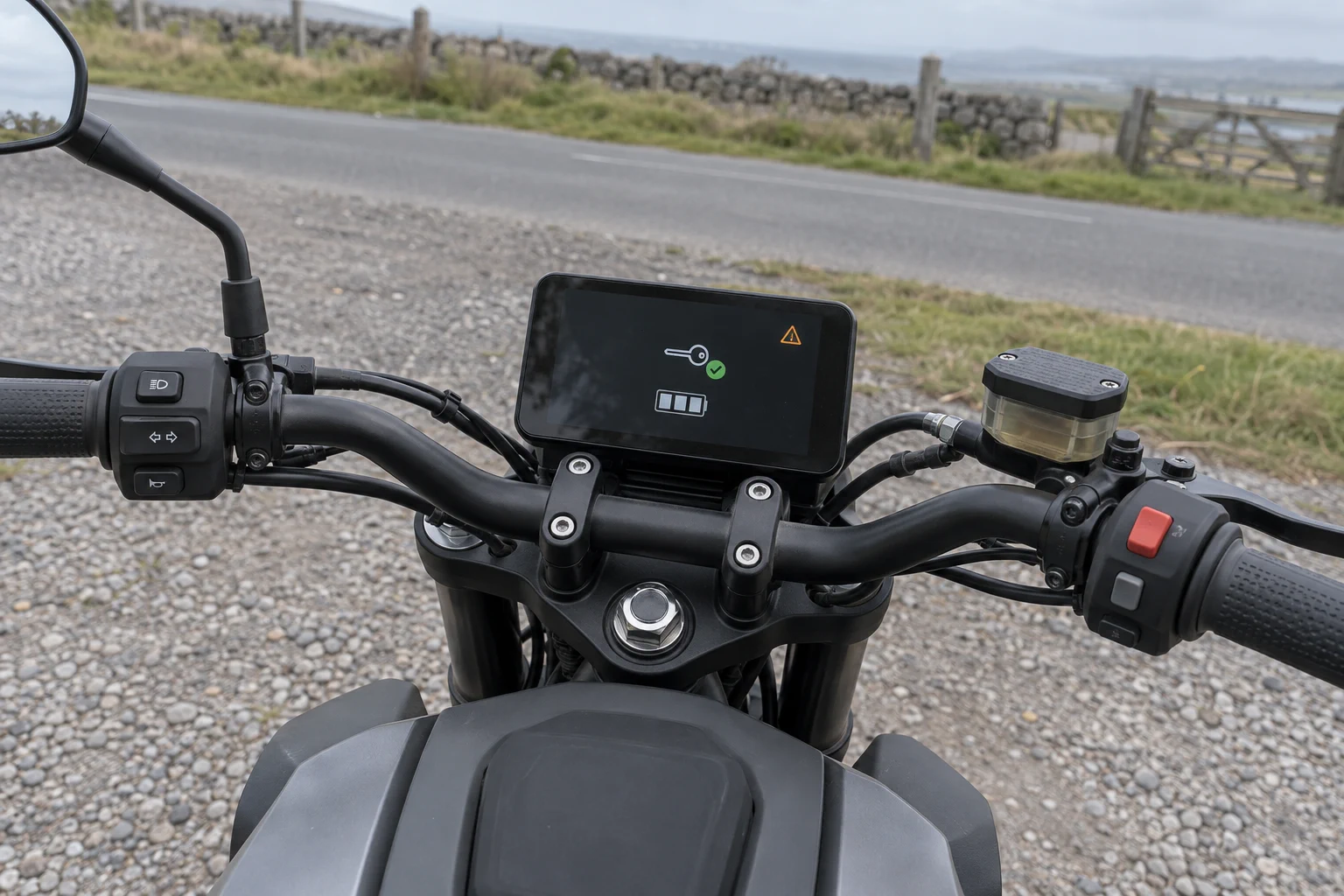
Show keyless state, essential system information, and urgent warnings immediately on motorcycle, marine, and other mobility displays.
Read product study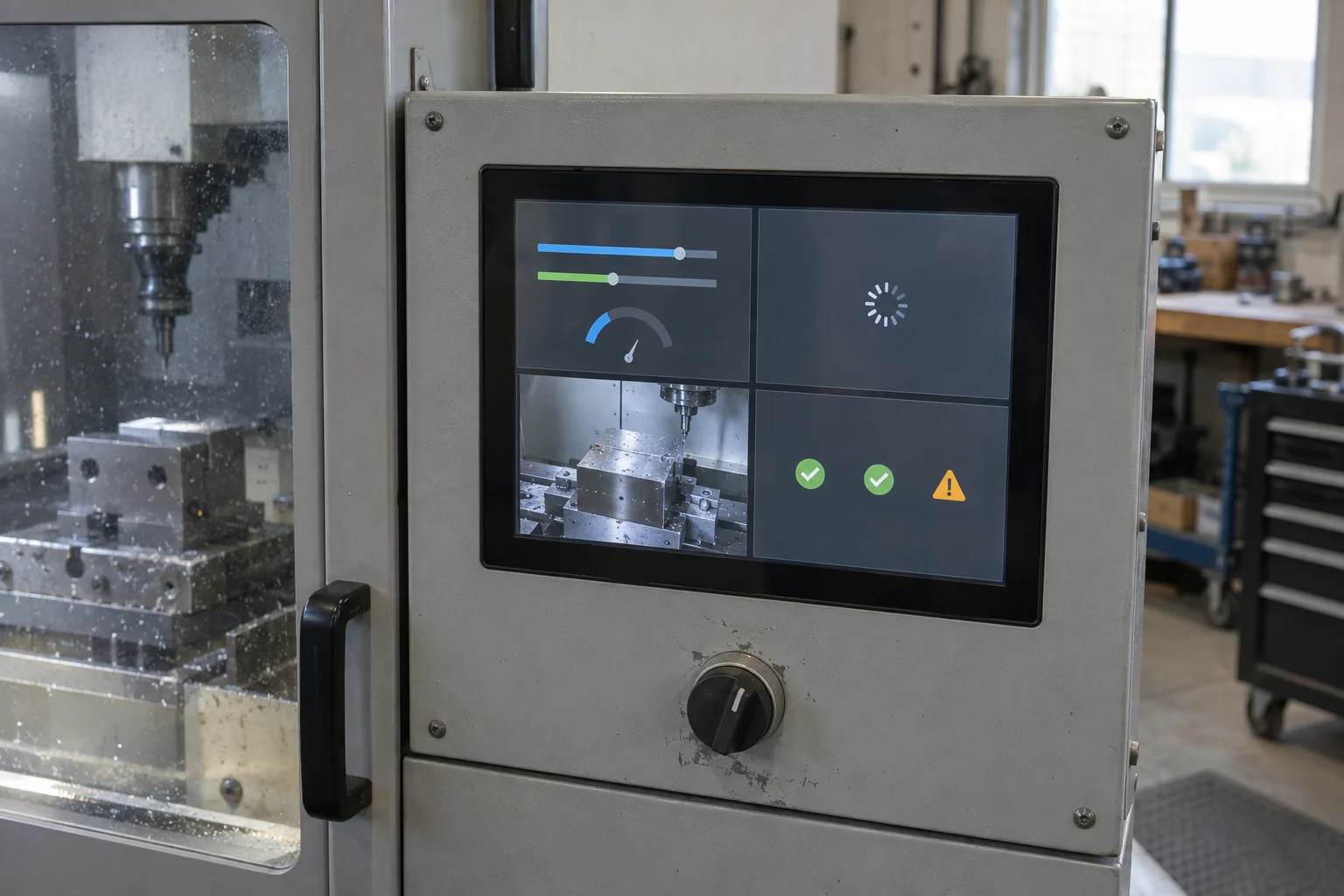
Compose a real-time UI, Linux UI, camera input, and persistent system-health view into one controlled four-pane display.
Read product studyFree technical fit check
Share your target platform and display requirements. A GraphLab engineer will review compatibility and outline the next steps for integration.