
Real-time four-source composition on i.MX8QXP
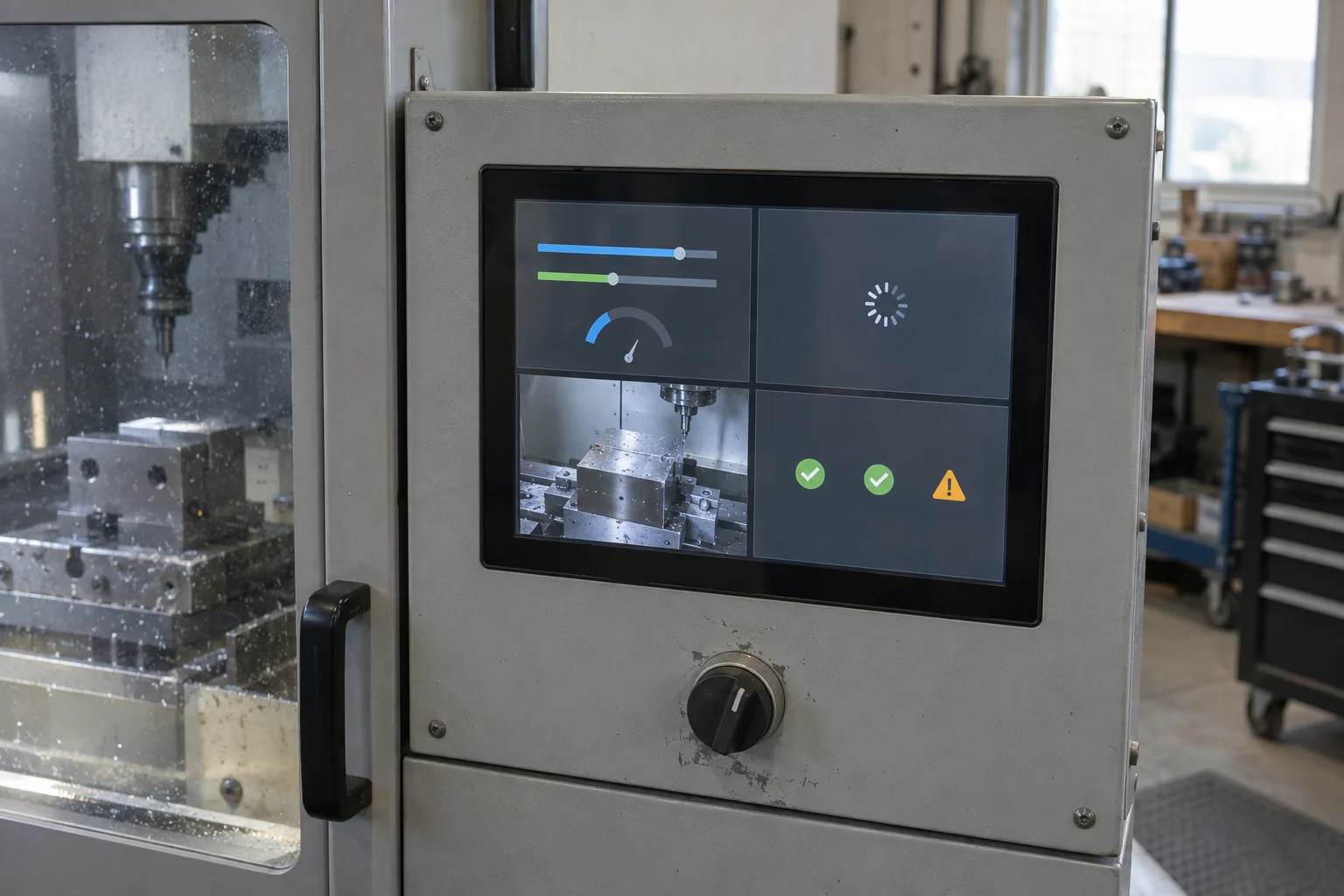
A persistent display owner could do more than switch between one real-time frame and one Linux frame. This study explores a real-time compositor on an i.MX8QXP target that combines four independently managed sources into a controlled 2-by-2 display while Linux boots, runs, restarts, or becomes unavailable.
Intended outcome
Keep four useful sources visible under one presentation policy
The proposed composition contains a native real-time UI, a Linux-rendered application pane, a direct camera pane, and a persistent system-health and urgent-state pane. The fourth pane is intentionally independent of the Linux application so heartbeat, telemetry, stale-data state, and prioritized warnings remain visible when the Linux pane is still booting or no longer qualified.
The real-time side would own the final layout, source validity, cropping, scaling, z-order, stale-frame policy, and display scanout. Each producer would remain responsible for the correctness of its own content and for publishing a complete frame or qualified state through the agreed interface.
Proposed behavior
A project-defined operating sequence
- Early display ownership
The real-time firmware initializes the target display path and presents the initial four-pane layout before Linux is ready.
- Real-time UI
The first pane renders native controls, status, or fallback content directly from the real-time domain.
- Linux surface
The second pane shows a controlled boot or unavailable state until Linux publishes a complete, synchronized application buffer.
- Camera surface
The third pane accepts qualified camera frames through the target capture, conversion, buffer, and synchronization path.
- Health and warning surface
The fourth pane presents independent heartbeat, telemetry, data-validity, and urgent-state information according to project policy.
- Real-time composition
The display owner validates each source, applies layout and stale-frame rules, then presents the composed output at the supported cadence.
Architecture
Responsibilities stay explicit
Real-time rendering, Linux rendering, camera capture, and system-health data each publish through a source-specific contract.
GraphLab Core owns source selection, buffer state, scaling, cropping, placement, timing, fallback, and final display presentation.
The i.MX8QXP display, memory, camera, protection, clock, and inter-processor resources determine which composition path is feasible.
Project inputs
Integration points to define and validate
- Display-controller, plane, scaler, blitter, pixel-link, bridge, panel, clock, and routing capabilities accessible from the real-time domain.
- Hardware-plane composition versus precomposition into a final framebuffer, including the fallback when available planes are insufficient.
- Shared-memory regions, allocation, protection, cacheability, IOMMU behavior, pixel formats, strides, alignment, and buffer lifetime.
- Linux DRM and compositor integration, complete-frame publication, synchronization primitives, restart behavior, and stale-frame invalidation.
- Camera receiver, capture engine, format conversion, scaling, DMA, buffer queue, disconnect, privacy, and no-signal behavior.
- System-health producers, heartbeat timing, telemetry validity, warning priority, latching, acknowledgement, and timeout policy.
- Aggregate memory bandwidth, display cadence, camera rate, scaling cost, latency, dropped-frame policy, and thermal limits.
- Cold boot, Linux boot delay, Linux crash, camera loss, producer restart, real-time restart, and BSP-update regression testing.
Assess the concept
Could this fit your platform?
Share the target SoC, display path, BSP, Linux UI stack, and the state or failure you need to make visible.
Continue exploring
Related product studies
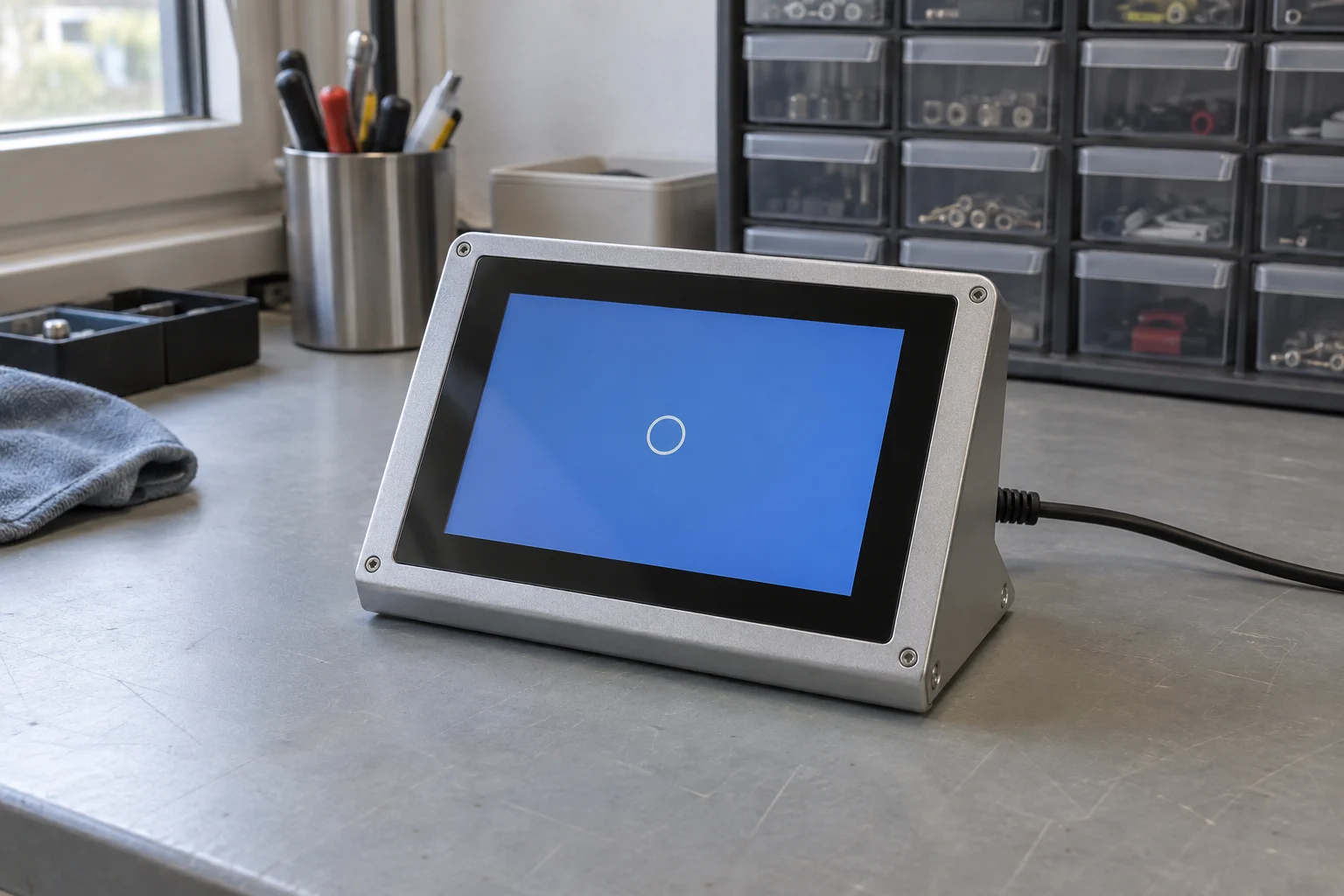
Add a persistent splash to your Torizon product
Enter the known display timings in the GraphLab Portal, add the generated GraphLab Splash configuration to your Torizon build, and keep a branded screen visible until the Linux UI is ready.
Read the product study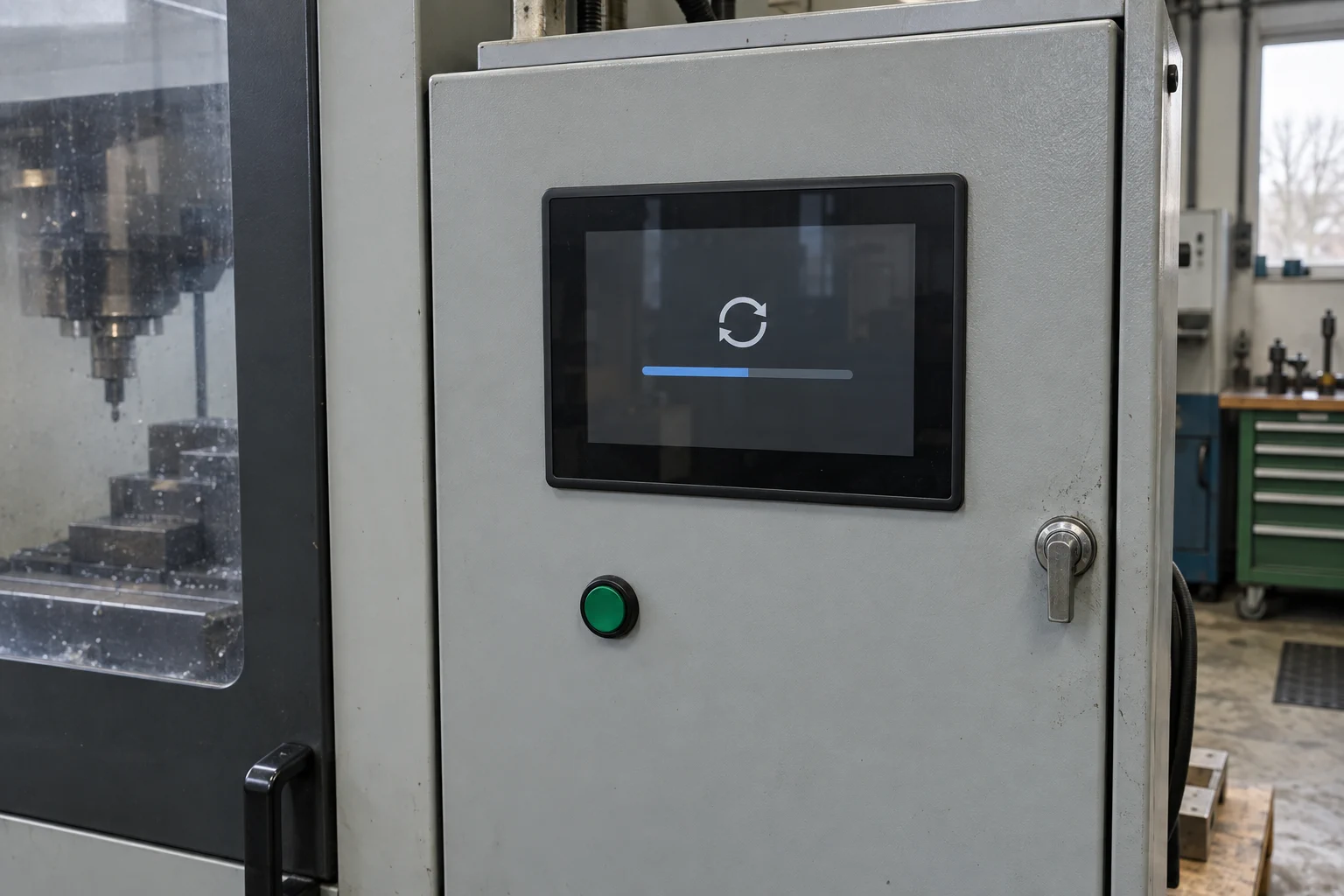
Visible OTA update status
Keep an operator-facing status visible while Linux or the main system applies an update.
Read the product study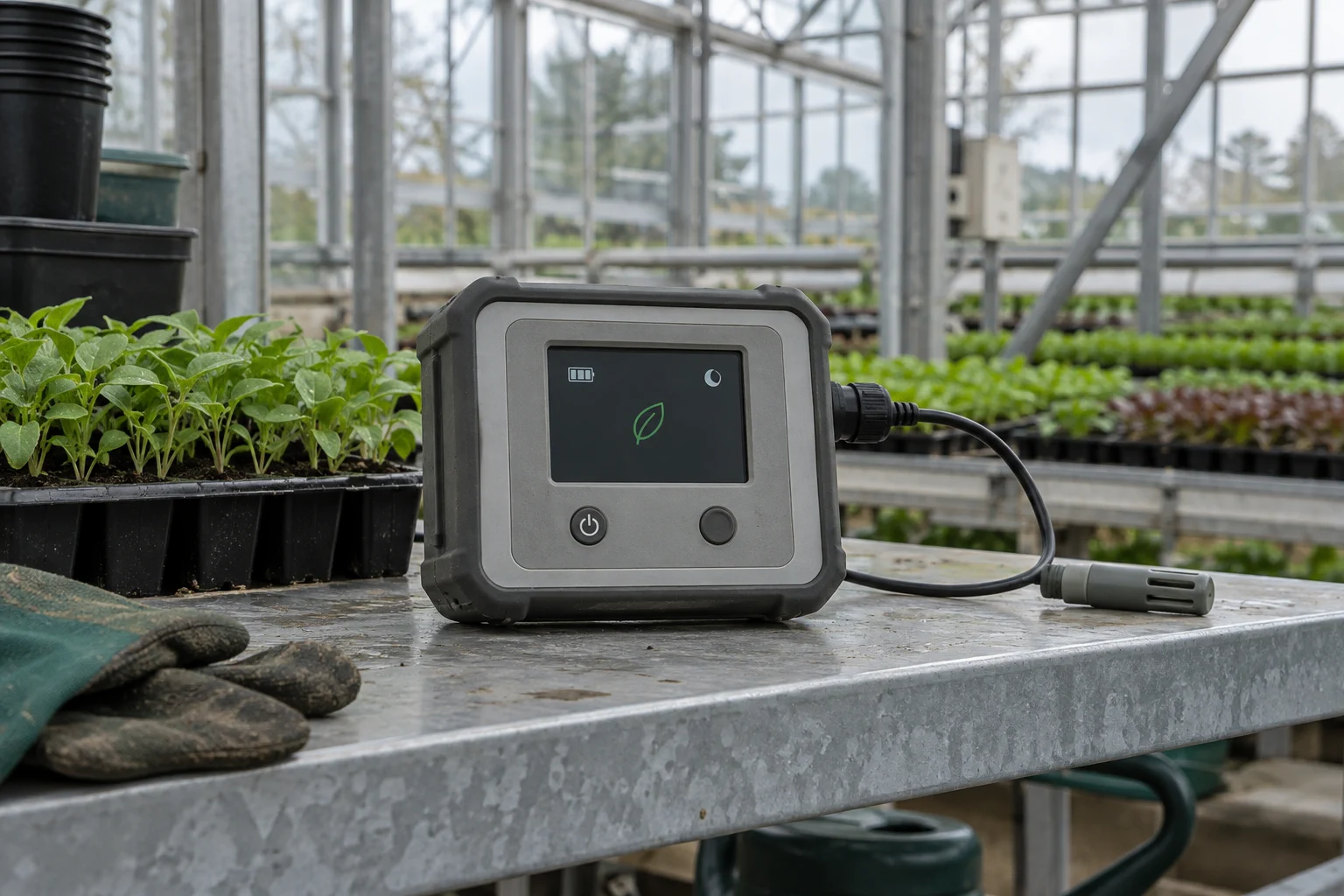
Low-power display operation
Let the real-time core maintain a controlled display while application cores sleep, then request a wake-up when needed.
Read the product study