
Immediate urgent machine-state display
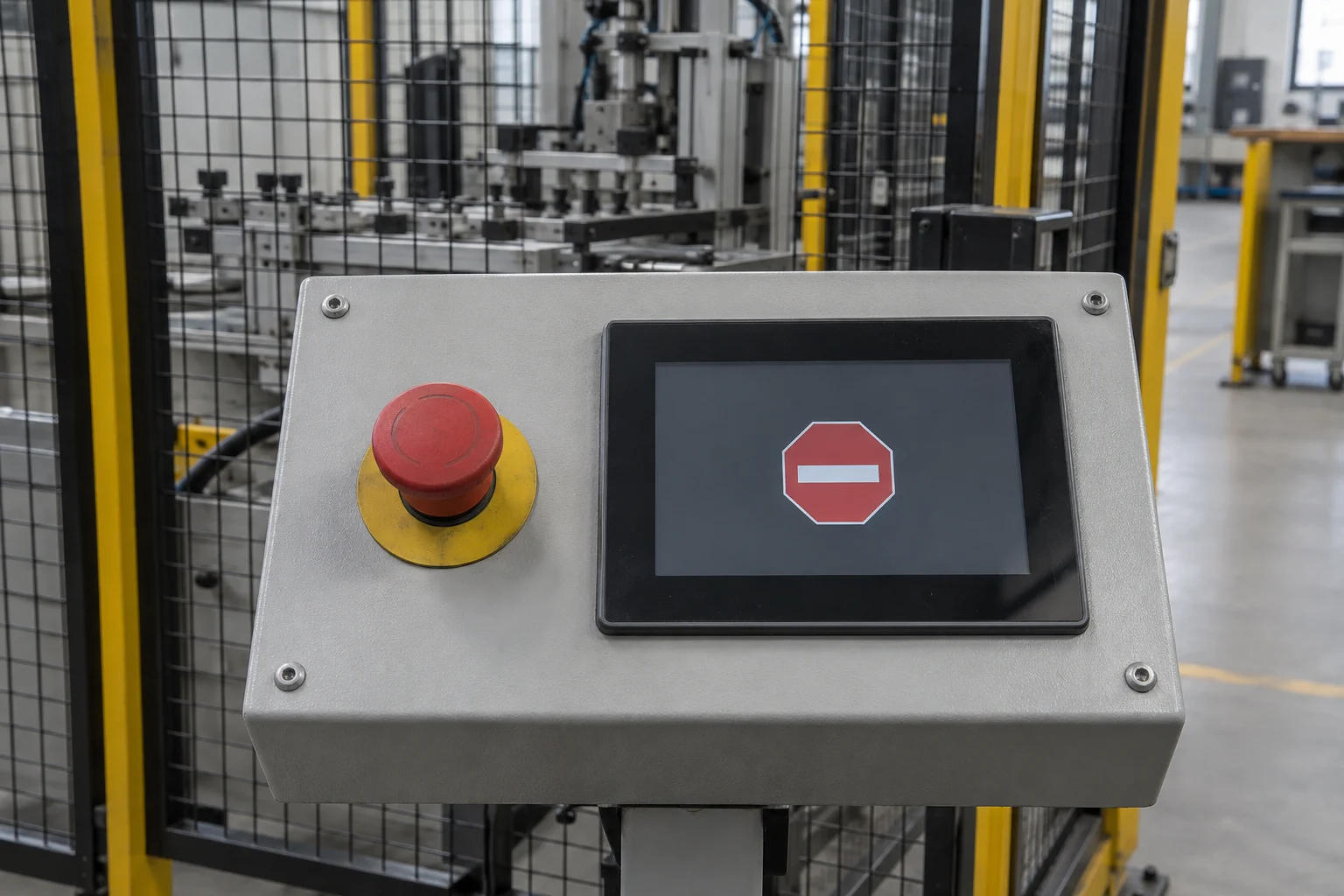
Some machine states should be visible without waiting for the Linux application event loop. This study explores routing a qualified urgent-state indication to the real-time display path so an approved screen can be presented independently of the normal UI.
Intended outcome
Make an urgent state visible through a separate presentation path
A qualified input such as an emergency-stop state could reach the real-time domain through a project-defined path. GraphLab Core could then select a dedicated visual state without depending on Linux rendering.
The screen would communicate the state and the operator action defined by the product team. Detection, machine control, and safety execution would remain the responsibility of the relevant product hardware and safety system.
Proposed behavior
A project-defined operating sequence
- State qualification
The responsible machine or safety subsystem determines the authoritative urgent state.
- Independent indication
A defined signal or message makes that state available to the real-time display domain.
- Urgent presentation
GraphLab Core selects the approved screen, priority, text, and indicators for that state.
- Reset and recovery
The view remains latched or clears only according to the product-specific acknowledgement and reset policy.
Architecture
Responsibilities stay explicit
The machine or safety subsystem remains the source of truth for the event and its clearance.
A bounded interface carries the qualified state, validity, sequence, and acknowledgement data to the real-time side.
GraphLab Pro implements the agreed visual priority, latching, language, and fallback behavior on the target display.
Project inputs
Integration points to define and validate
- Authoritative event source and electrical or message interface.
- Signal validity, diagnostics, priority, latching, acknowledgement, and reset rules.
- Conflicts between urgent states and other maintenance or fallback screens.
- Approved graphics, text, localization, accessibility, and operator instructions.
- Behavior during boot, Linux restart, real-time restart, and power transitions.
- Target-specific validation with the responsible machine and safety engineering teams.
Assess the concept
Could this fit your platform?
Share the target SoC, display path, BSP, Linux UI stack, and the state or failure you need to make visible.
Continue exploring
Related product studies
Add a persistent splash to your Torizon product
Enter the known display timings in the GraphLab Portal, add the generated GraphLab Splash configuration to your Torizon build, and keep a branded screen visible until the Linux UI is ready.
Read the product study
Visible OTA update status
Keep an operator-facing status visible while Linux or the main system applies an update.
Read the product study
Low-power display operation
Let the real-time core maintain a controlled display while application cores sleep, then request a wake-up when needed.
Read the product study